

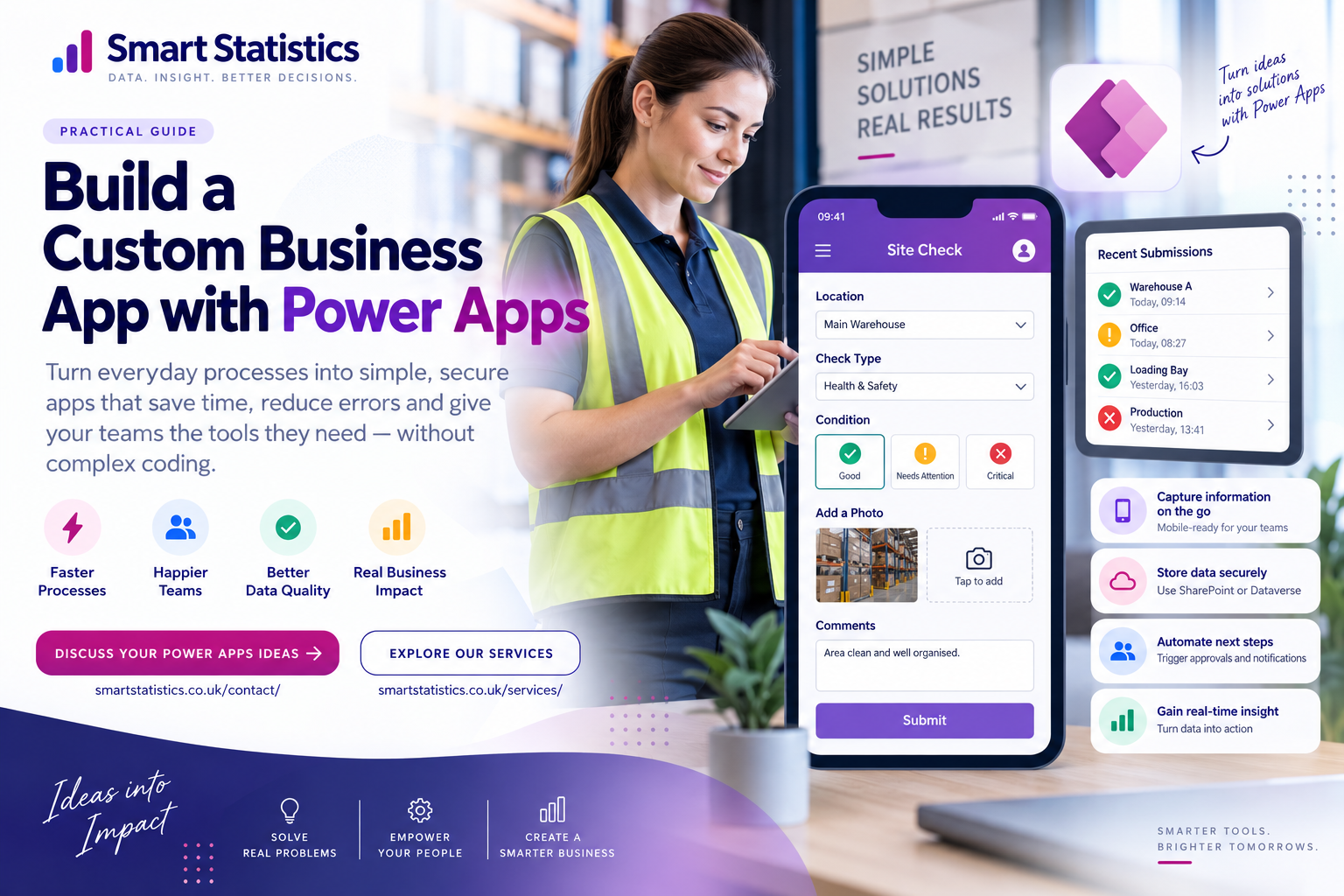
Build a Custom Business App with Power Apps
Somewhere in your business there is probably a process being held together by a spreadsheet, an email inbox, a form and somebody who knows exactly what needs to happen next.
That process may work — but it often depends on manual re-keying, chasing people for updates, searching for the latest version and relying on individual knowledge.
Power Apps gives businesses another option: turn the process into a purpose-built application where people capture information consistently, data is stored securely, the next step can be automated and management can see what is happening.
Look for Processes That Depend on People Remembering
The best Power Apps opportunities are often not dramatic transformation programmes. They are ordinary business processes creating unnecessary friction every day.
Spreadsheet Tracking
Multiple people update a workbook and nobody is completely sure which version contains the latest information.
Email Workflows
Requests, approvals and updates move through inboxes with limited visibility of what is still waiting.
Paper Forms
Information is captured once on paper and then typed again into another system for reporting.
Invisible Exceptions
Managers only discover that something is overdue or missing when somebody asks for an update.
Should This Process Become an App?
Before building anything, test whether the process genuinely benefits from a dedicated application.
Strong Signals
A process becomes a stronger candidate when several of these characteristics appear together.
Quick App Suitability Check
Select the characteristics that apply to your process. This is an illustrative diagnostic rather than a formal technology assessment.
The score will indicate whether the process may warrant further investigation as an app candidate.
An App Is More Than the Screen Users See
A maintainable business application needs a user experience, structured data, workflow logic, security and management visibility.
Power Apps
Give users a simple interface for the process.
Secure Data
Store information in an appropriate structured source.
Power Automate
Trigger approvals, notifications and next steps.
Governance
Control access, ownership and change.
Insight
Turn captured activity into management information.
From Business Problem to Working Application
Start with the Business Problem
Do not begin with, “What could we build in Power Apps?” Begin with, “Where is work unnecessarily difficult?”
Document the current process:
- Who starts it?
- What information do they enter?
- Where is that information stored?
- Who needs to act next?
- What decisions are made?
- Where do delays and mistakes occur?
Map the Simplest Useful Workflow
Resist the temptation to automate every edge case in the first release.
A simple process might be:
User creates request

→ Required information validated

→ Record stored centrally

→ Responsible team notified

→ Work completed

→ Status updated

→ Requester informed

→ Management reporting refreshed
Design the Data Before the Screens
A visually attractive app built on a poor data structure quickly becomes difficult to maintain.
For a generic request-management application, you might need entities such as:
Requests
RequestTypes
Locations
Users
Actions
Comments
Attachments
StatusHistory
Choose the data platform according to the application requirements rather than habit.
Design for the Person Doing the Work
A business application should remove friction rather than simply reproduce an existing spreadsheet on a phone.
- Show only fields relevant to the user.
- Use sensible defaults.
- Validate required information.
- Use clear status labels.
- Reduce unnecessary navigation.
- Make errors easy to understand.
For example, a submit button might validate the required information before creating the record:
If(
    IsBlank(txtTitle.Text) ||
    IsBlank(ddLocation.Selected),

    Notify(
        "Please complete the required fields.",
        NotificationType.Error
    ),

    SubmitForm(frmRequest)
)
Automate What Happens After Submit
The real value often appears after information has been captured.
Power Automate might:
- Notify the responsible team.
- Start an approval.
- Create a Planner task.
- Send a Teams notification.
- Generate a document.
- Escalate an overdue item.
- Inform the requester when the status changes.
New App Record

→ Validate Record

→ Identify Owner

→ Send Notification

→ Create Task

→ Monitor Due Date

→ Escalate Exception

→ Record Completion
Measure Whether the App Improved Anything
An application is not successful merely because it launches without errors.
Depending on the process, useful measures could include:
- Average processing time
- Open requests
- Overdue items
- First-time-complete rate
- Exception rate
- Application adoption
- Manual touches per transaction
A Good App Changes How Work Gets Done
The objective is not to produce another piece of software. It is to create a simpler, more controlled and more visible way of running the process.
Fewer Manual Steps
Remove unnecessary copying, re-keying and status chasing from everyday work.
Better Information
Capture consistent structured data at the point where the activity happens.
Clear Ownership
Make it visible who is responsible for each request, action or exception.
Real-Time Insight
Turn operational activity into information managers can use to make decisions.
Custom Power Apps FAQs
What business processes can Power Apps be used for?
Do you need to be a developer to use Power Apps?
Can Power Apps work on phones and tablets?
Should I use SharePoint or Dataverse?
Can Power Apps connect to Power Automate?
Can we report on Power Apps data in Power BI?
Should we replace every spreadsheet with Power Apps?
How can Smart Statistics help?
Your Next Business App May Already Be Hiding in a Spreadsheet.
Look for the process where people repeatedly copy information, chase updates, manage shared spreadsheets or ask the same status question every week.
Smart Statistics can help you determine whether that process should remain as it is, be improved, automated or turned into a custom Power Apps solution.