

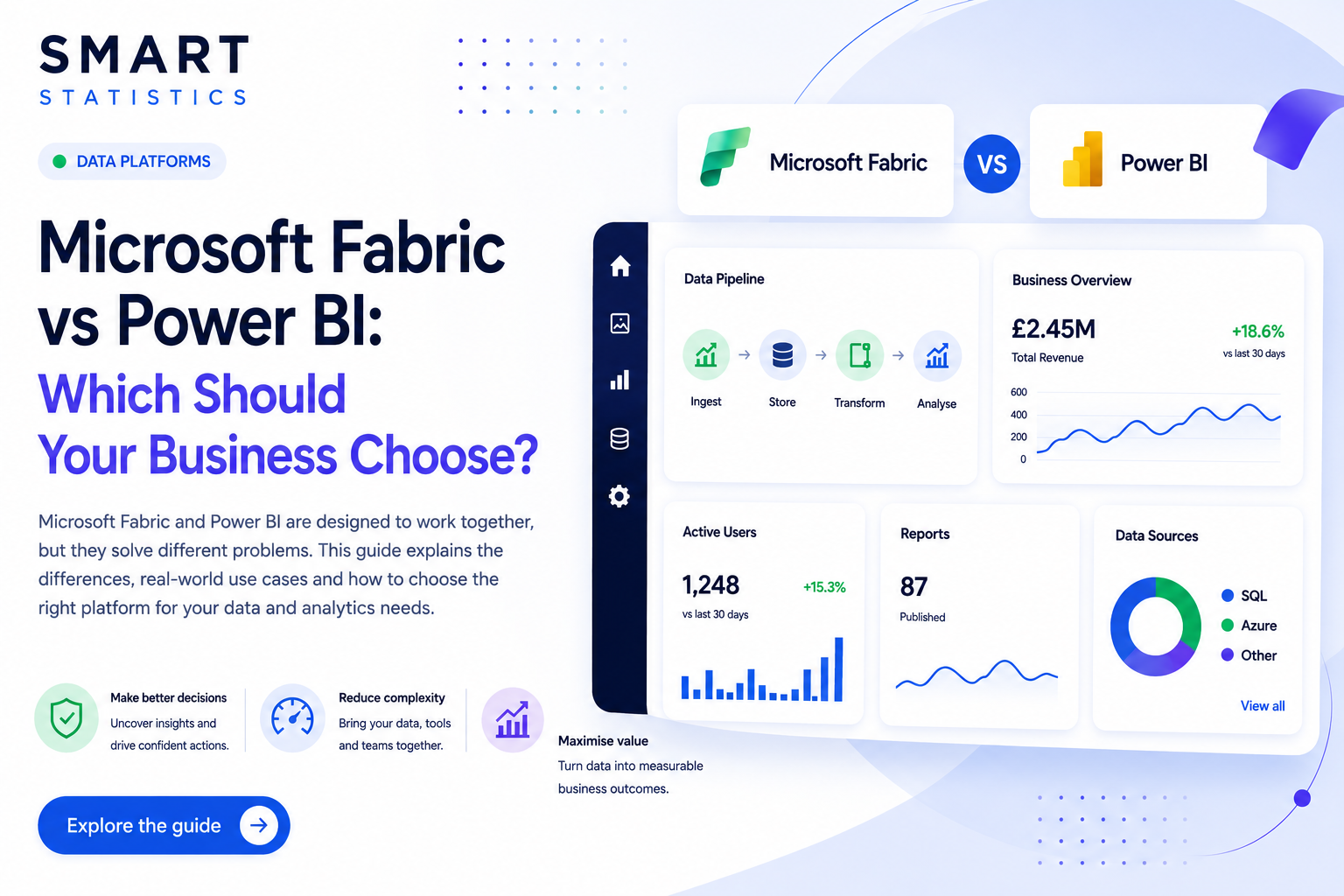
Microsoft Fabric vs Power BI: Which Should Your Business Choose?
Microsoft Fabric and Power BI are designed to work together, but they solve different problems. This guide explains the difference between the two platforms, where each creates the most value and how to choose the right approach for your data, analytics and reporting needs.
Data integration, engineering, storage, real-time analytics and AI.
Interactive reports, dashboards, semantic models and self-service analytics.
Similar Goals. Different Responsibilities.
Power BI is primarily a business intelligence and reporting platform. Microsoft Fabric is a broader, end-to-end data and analytics platform that includes Power BI alongside data integration, engineering, warehousing, real-time analytics and data science capabilities.
Microsoft Fabric
Microsoft Fabric provides a unified environment for managing the wider data lifecycle. It brings together services for moving, storing, transforming, governing and analysing organisational data.
Power BI
Power BI focuses on helping people understand and act on data. It provides the semantic models, interactive reports, dashboards and self-service analytics experiences used by business teams and decision-makers.
Microsoft Fabric vs Power BI: Key Differences
The distinction becomes clearer when the platforms are compared by purpose, users, architecture and the type of business problem they are designed to solve.
| Capability | Microsoft Fabric | Power BI |
|---|---|---|
| Primary purpose | Unified data and analytics platform covering the complete data lifecycle. | Business intelligence, semantic modelling, dashboards and data visualisation. |
| Core strength | Data integration, engineering, storage, governance, real-time analytics and AI. | Reporting, analysis, KPI monitoring and self-service business intelligence. |
| Main users | Data engineers, analytics engineers, data scientists, architects and IT teams. | Business users, analysts, managers, executives and report developers. |
| Data storage | OneLake and associated lakehouse or warehouse architectures. | Semantic models and datasets that consume data from one or more sources. |
| Data preparation | Data Factory pipelines, notebooks, Spark, SQL and broader engineering workloads. | Power Query, dataflows and semantic model preparation for reporting. |
| Typical use case | Building a scalable data platform that serves multiple teams and analytical workloads. | Creating reports, dashboards and insight for operational and strategic decisions. |
| Commercial model | Typically based on Fabric capacity SKUs and workload consumption. | Commonly licensed through Power BI Pro, Premium Per User or capacity. |
| Best suited to | Organisations that need a modern, governed and scalable data foundation. | Organisations focused primarily on analytics, dashboards and business reporting. |
Which Platform Should Your Business Choose?
The right answer depends on the business problem you are trying to solve, the maturity of your existing data environment and the scale of your future ambitions.
Choose Power BI when reporting is the priority
Power BI may be the right starting point when you already have reliable data sources and primarily need better dashboards, management reporting, KPI consistency or self-service analysis.
Choose Microsoft Fabric when the data foundation is the problem
Fabric becomes more relevant when data is fragmented across systems, pipelines are unreliable, teams need shared storage or the organisation requires a scalable data platform for multiple workloads.
Use both when you need end-to-end capability
In many organisations, the strongest architecture uses Fabric to ingest, organise, transform and govern data, while Power BI provides the semantic and visual layer used by the business.
How Microsoft Fabric and Power BI Work Together
Fabric provides the platform services behind the data. Power BI converts that data into trusted models, reports and decision-ready insight for business users.
Questions to Answer Before You Invest
Technology selection should follow a clear understanding of the business problem, user needs and the current state of your data environment.
What outcome are you trying to achieve?
Is the priority improved reporting, faster decision-making, a new data platform, better governance or a combination of these?
How complex is your current data estate?
Multiple systems, manual extracts, inconsistent data and fragile pipelines may indicate that a broader platform approach is required.
Who will own and support the solution?
Consider internal skills, governance responsibilities, ongoing support requirements and the operating model needed after implementation.
Microsoft Fabric and Power BI Questions Answered
Is Microsoft Fabric replacing Power BI?
No. Power BI remains a core part of the Microsoft analytics ecosystem. Fabric extends the wider platform around Power BI by adding capabilities for data integration, storage, engineering, real-time analytics and data science.
Do I need Microsoft Fabric if I already use Power BI?
Not necessarily. If your organisation has reliable data sources and your main requirement is reporting and analysis, Power BI may be sufficient. Fabric becomes more valuable when you need to modernise the broader data platform.
Can Microsoft Fabric and Power BI be used together?
Yes. This is often the intended architecture. Fabric can manage the ingestion, storage, transformation and governance of data, while Power BI delivers semantic models, reports, dashboards and self-service analytics to business users.
Is Microsoft Fabric suitable for smaller businesses?
It can be, but the decision should be based on business need rather than platform popularity. Smaller organisations with straightforward reporting requirements may gain more value from a focused Power BI solution before adopting broader Fabric workloads.
What is OneLake?
OneLake is the shared data lake within Microsoft Fabric. It is designed to provide a common storage foundation for Fabric workloads and reduce unnecessary duplication of organisational data.
How should we get started?
Begin with a structured assessment of your current reporting, data sources, business priorities, skills and governance needs. This helps determine whether the immediate priority is better Power BI reporting, a broader Fabric platform or both.
Need Help Choosing the Right Microsoft Data Platform?
Smart Statistics helps organisations assess their current data environment, define the right architecture and implement practical solutions using Microsoft Fabric, Power BI and the wider Microsoft ecosystem.