
Smart Statistics · Business improvement
The App Is Live. Why Is the Team Still Using Excel?
Power Apps adoption improves when people can finish the whole job. Find the point where work leaves the app, then fix the task, the handover and the evidence of success.
By Smart Statistics · Strategic insight ·
Enquiry handover: where work leaves the app
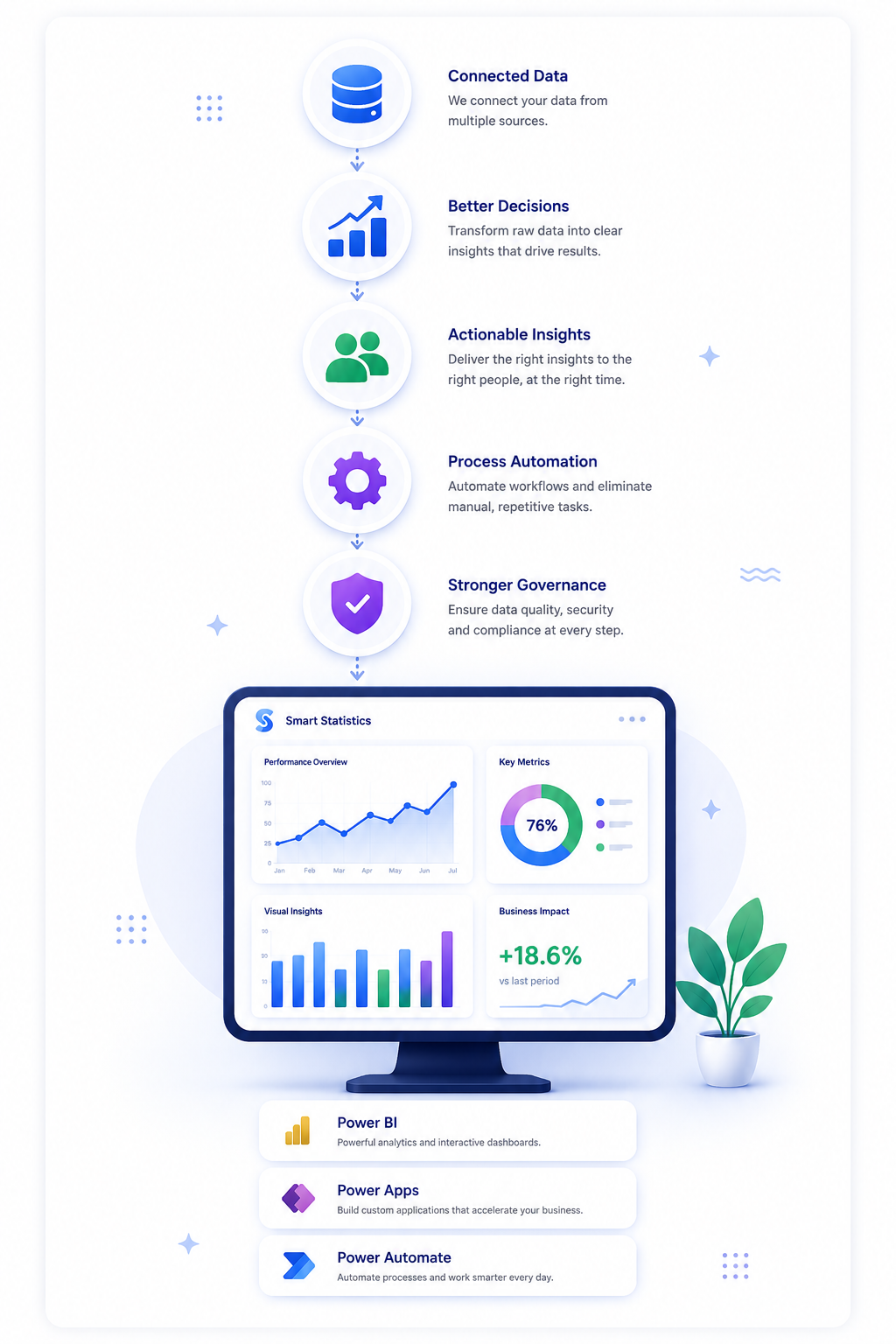
One weekly cohort of eligible enquiries, followed to the same reporting cut-off.
Same cases, successive milestones
Illustrative exampleCounts are distinct enquiries, not sessions. The milestones are nested; they must not be added together.
Evidence and workflow status
Capture available · Power Apps enquiry record Handover friction · Receiving team still prepares a spreadsheet Completion defined · Named recipient accepts the caseIllustrative example. Sources would be the enquiry register, saved records, recipient acknowledgements and a sampled re-keying check. This is an editorial dashboard, not a live Microsoft screen.
A successful save can still leave an unfinished job
Imagine a UK business services team using a new Power Apps enquiry app. Advisers capture the customer’s requirements successfully. At handover, the delivery team asks for its usual spreadsheet because the app does not show the information in the order needed to allocate work. Advisers now maintain both.
The launch report looks encouraging. The operating process has gained another step. Managers face conflicting records, staff spend time copying details, and customers may wait while somebody works out which version is current.
This fictional scenario is a useful diagnostic: returning to Excel can reveal a missing business capability . It may be bulk review, a familiar comparison view, an exception route or simply confidence that the next person has received the work. Treat the workaround as evidence before treating it as resistance.
Follow the task beyond the submit button
Observe a real enquiry from arrival to accepted handover. Ask the colleague to show the work, including the steps outside the app.
- Arrival: can the right person begin? Test the actual link, device, account and data access used on shift. A maker’s successful demonstration does not prove that the intended user can see the required records.
- Preparation: where is the thinking done? Look for notes, calculations and comparisons made elsewhere before entry. A form can collect the final answer while leaving the difficult part of the job unsupported.
- Submission: can the user trust the result? Check for a persistent case reference, clear saved state and a recoverable error path. Ask how the user distinguishes a saved draft from a submitted enquiry.
- Handover: can the recipient act? Observe the receiving team. They need a usable queue, enough context and a clear acceptance or return action. Sending a notification alone does not prove that the work was accepted.
- Exception: can the job survive a normal complication? Try a missing detail, a correction and an unavailable recipient. Record the permitted fallback and who brings it back into the authoritative record.
Choose the intervention from the failure
Training helps when people need knowledge. It cannot supply a missing queue, a working permission or an agreed handover rule.
| Observed failure | First intervention | Evidence it helped |
|---|---|---|
| Users cannot open the app or retrieve their cases | Check the user’s app access, data permissions, dependencies and applicable licence with the platform administrator. | A representative user completes the task with their normal account and device. |
| Users wait, retry or abandon a save | Reproduce the delay and inspect performance. Make failure and recovery states explicit. | Observed attempts complete reliably, with fewer retries and no unexplained duplicate records. |
| Users copy cases into Excel for the next team | Design the receiving team’s queue and acceptance step; remove the specific reason for re-keying. | The recipient acts from the authoritative record without a parallel operational list. |
| Users cannot handle corrections or unusual cases | Agree editable states, return reasons and a named exception owner. | The pilot includes exceptions that reach a documented resolution. |
| The task works, but people do not know when to use it | Give role-specific guidance at the point of work and practise a realistic case. | Users choose the right route without a facilitator prompting them. |
Read usage, technical health and outcomes separately
Combine three kinds of evidence. None can safely stand in for the others.
Reach and use
Are the intended roles opening the app when they have relevant work? Microsoft’s Usage page reports engagement, including Power Apps active users. Its current documentation labels the page as preview, with regional rollout limitations. Treat availability accordingly. [1]
Technical health
For canvas apps, Monitor includes app-open success, load-time and data-request metrics. Access depends on environment membership and enabled monitoring settings. Use it to investigate friction; it does not establish that the business handover succeeded. [2]
Completed work
Use business records to establish whether the recipient accepted the enquiry, whether it needed re-keying and whether it was returned for correction. Agree these definitions with the people who perform and receive the work.
Set a measurable finish line
Count distinct business tasks against a defined eligible population. Avoid dividing completed enquiries by app sessions.
For the enquiry process, define a completed task as a valid enquiry saved in the authoritative system, accepted by the named receiving team and handled without re-keying into a parallel register. Use a stable enquiry identifier throughout. A reopened record stays the same enquiry; it does not become another success.
Define eligibility before the pilot: for example, routine enquiries for a specified service received during the pilot window. Keep genuinely excluded work visible with a reason. Follow the cohort long enough for normal handovers to finish; report work still in progress separately instead of calling it abandoned.
Store the enquiry ID, received time, eligibility reason, submitted time, recipient acceptance time, outcome, return reason and re-keying flag in a controlled record. Confirm the re-keying flag through a sample of observed work: an empty field is not evidence that copying stopped. Use consistent timestamps and a stated reporting cut-off.
Alongside completion, review median and slow-case handover time, correction rate, unresolved exceptions and support demand. For time savings, measure active handling separately from elapsed waiting. Compare similar case types and roles; a quieter week can make a poor change look effective.
Run a small pilot with clear operating rules
Make one complete task dependable before asking a wider team to change its habits.
Baseline and test
Observe one normal operating cycle before the change. Then pilot the specific fix with both the sending and receiving roles, including a less-confident user, an accessibility need and realistic exceptions. Use the actual devices and working conditions.
Assign ownership
The process owner defines “done” and authorises rollout. The app owner fixes and releases changes. The receiving team owns acceptance. The platform administrator checks access, connectors and licensing. Name a support deputy so absence does not strand the process.
Teach the actual work
Demonstrate a normal enquiry, a returned case and a recovery after failure. Put short guidance beside the action that needs it. Hold a brief pilot review using the sticking points users report, and explain which changes their feedback produced.
Control the fallback
Choose one authoritative record. If an outage requires temporary capture elsewhere, restrict access, identify the reconciliation owner and check that every case returns to the main process. Remove obsolete shortcuts only after the agreed replacement works.
Decide whether to expand, repair or rethink
Expand
The complete task works across the pilot roles, critical access and recovery checks pass, completion improves against an agreed baseline, and corrections do not worsen. Expand in a manageable cohort with support capacity reserved.
Repair
A specific friction point still sends work back into Excel. Keep the pilot contained, give the defect an owner and retest the affected task. More launch communications will not remove a missing capability.
Rethink
The app adds effort, duplicates a capable existing system or cannot support the required workflow within a sensible cost. Consider simplifying the process, integrating the existing tool or keeping a controlled spreadsheet for a limited need.
Agree the decision criteria before seeing the results. There is no universal adoption percentage that proves value. A rarely used annual process can be successful; a frequently opened app can still leave every user maintaining a second list.
How strong is your adoption evidence?
Assess one task, not the whole organisation. This editorial diagnostic helps prioritise investigation; it is not a certification or a forecast.
Power Apps adoption: common questions
Does high app usage prove successful adoption?
No. Usage shows that people access an app; it does not prove that they complete the intended business task. Compare usage with accepted handovers, corrections, re-keying and observed task completion.
Should we stop staff using Excel immediately?
First identify what Excel is doing for the task. Replace or formally retain that capability, agree the authoritative record and test the fallback. Removing a spreadsheet before the replacement works can interrupt service.
Can we measure outcomes without custom telemetry?
Yes. Start with existing business records and a structured sample of observed tasks. Use stable task identifiers and agreed outcome definitions. Add telemetry only where it answers a specific question that these sources cannot answer reliably.
Who should own adoption after launch?
The business process owner should own the outcome and rollout decision. The app owner, receiving team, platform administrator and support deputy each need named responsibilities for keeping the task usable and resolving failures.
Make the whole task work.
Bring one app, one stubborn spreadsheet and one real business task. Smart Statistics can help you identify the missing handover, define useful measures and prioritise the changes that make day-to-day work easier.