

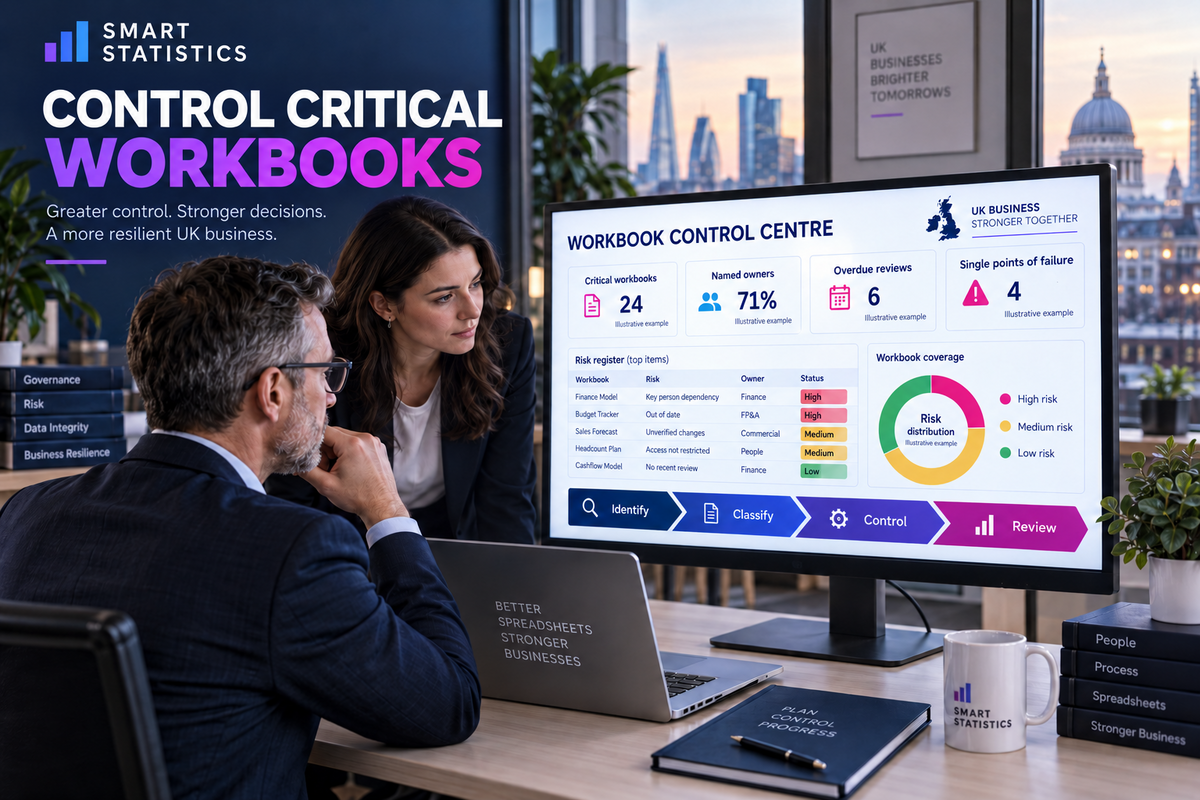
When Excel becomes business-critical, govern the process—not just the file.
A practical spreadsheet control framework for UK businesses that rely on Excel for forecasting, pricing, payroll, reconciliations, management reporting or operational decisions.
Illustrative example · fictional workbooks and statuses
A spreadsheet can be a business system even when nobody calls it one
If a workbook sets prices, releases payments, forecasts cash, reports performance or allocates people, its failure can change a real decision. The right response is not to ban Excel. It is to apply controls that match the impact, complexity and recoverability of the process.
The workbook works—until the surrounding process does not
Formula quality matters, but many serious failures start outside the calculation: ownership, distribution and uncontrolled change.
Knowledge sits with one person
Inputs, refresh steps and exception rules exist only in the creator’s memory. Absence, resignation or reassignment turns a familiar workbook into an operational outage.
Copies become competing truth
Email attachments and local downloads create parallel versions. Teams can no longer prove which file, inputs or assumptions supported a decision.
Changes bypass evidence
A formula, link, macro or manual override changes without peer review, regression testing, a release note or an agreed route back.
Use stronger controls only where business impact justifies them
Score the decision impact, sensitivity, user reach, calculation complexity, reliance on links or macros, frequency of change and time needed to recover. Then place the workbook in a proportionate tier.
Material decisions or disruption
Failure could materially affect cash, customers, compliance, payroll or operational continuity.
- Accountable business owner and technical custodian
- Controlled storage, access and release
- Independent calculation and recovery testing
- Documented continuity and replacement plan
Meaningful team dependency
Failure creates rework, delayed reporting or a local decision risk, but a practical workaround exists.
- Named owner and approved location
- Input validation and protected calculation areas
- Peer review for material changes
- Periodic access and purpose review
Low-impact individual support
Temporary analysis or personal organisation with limited downstream reliance and no sensitive decision use.
- Clear file name and purpose
- Sensible formula and data hygiene
- No silent promotion into an official report
- Reclassify if users or impact grow
Control the workbook across its whole operating life
Each control should produce evidence that another person can inspect. A password, colour convention or verbal assurance is not an operating model.
1. Register and classify
Record the workbook’s purpose, decisions supported, location, owner, users, data sensitivity, upstream sources, downstream outputs, tier and next review date. Start with known high-impact processes rather than a company-wide hunt for every spreadsheet.
2. Assign accountable ownership
The business owner approves purpose, rules and acceptable use. A custodian maintains the file and evidence. A reviewer independently challenges important changes. Name deputies for critical processes and test whether they can operate the workbook without the creator.
3. Establish one controlled location
Keep the working master in an approved SharePoint or OneDrive location, share links instead of attachments and grant edit rights only to people who need them. Co-authoring and version history help collaboration and recovery, but owners must still confirm sharing, retention and restore settings in their Microsoft 365 environment.
4. Design for safe operation
Separate inputs, calculations and outputs. Label units and period dates, validate inputs, avoid unexplained constants, expose exceptions and document manual adjustments. Protect locked cells to reduce accidental edits—but do not mistake worksheet protection for data security.
5. Test and release changes
Define what counts as a material change. Keep a short request, impact assessment, test evidence, reviewer approval and release note. Test normal cases, boundaries, blanks, duplicates, broken links and prior-period comparisons. Retain the approved version needed for rollback.
6. Operate, recover and retire
Monitor refreshes, exceptions, review dates and recurring manual effort. Rehearse recovery from a prior version and make sure the deputy can run the process. Retire duplicate copies, remove stale access and move to a database, app or governed reporting model when Excel is no longer the appropriate operating platform.
Make governance visible and reviewable
The register should link to evidence rather than become a long narrative. These fields are enough to start a useful control conversation.
| Field | Control question | Useful evidence |
|---|---|---|
| Purpose and decision | What decision or process depends on this workbook? | Approved description and intended audience |
| Owner and deputy | Who accepts the business risk and who can operate it? | Named roles and handover record |
| Authoritative location | Where is the master copy and who can edit it? | SharePoint or OneDrive link and access review |
| Inputs and outputs | What feeds it and where do results go? | Source list, links, refresh method and consumers |
| Testing | How is calculation behaviour proved? | Test cases, reconciliation and reviewer approval |
| Change status | What version is approved and what changed? | Release note, effective date and rollback point |
| Recovery | How quickly can the process resume? | Restore test, runbook and fallback process |
| Future state | Should the workbook remain in Excel? | Retain, simplify, automate, rebuild or retire decision |
Separate business meaning from technical maintenance
Spreadsheet governance fails when “the person who built it” becomes the owner of every business rule and every control decision.
Business owner
Approves purpose, risk tier, rules, acceptable use and material change. Funds remediation where necessary.
Workbook custodian
Maintains the controlled file, runbook, register entry, access requests and operational evidence.
Independent reviewer
Challenges material logic changes, test coverage, reconciliation and the reasonableness of outputs.
Information owner
Defines sensitivity, sharing, retention and handling requirements for data contained in the workbook.
Start with the workbooks that would hurt most if wrong or unavailable
A small, evidence-led pilot builds credibility faster than a policy sent to every Excel user. Use the learning to standardise templates and escalation.
Find decision-critical workbooks
Ask finance, operations, commercial, HR and service leaders which files would stop a deadline, change a payment or undermine a customer commitment. Capture only enough information to prioritise.
Classify impact and immediate exposure
Identify missing owners, local-only copies, broad edit access, broken links, opaque macros and absent recovery evidence. Contain urgent risks before redesigning the process.
Create one approved working pattern
Move the master to an agreed location, confirm roles, document inputs and rules, test the outputs and establish a simple release record. Avoid adding controls that nobody will operate.
Train through real work
Use the pilot workbook to teach owners and reviewers what evidence looks like. Provide a register template, change checklist and clear route for help rather than a dense policy document.
Measure control and reduce dependency
Track ownership, review completion, unresolved high risks, restore tests, duplicate retirement and manual effort. Use repeated control failures as evidence for automation or platform change.
Know what each safeguard does—and does not—prove
Layer controls so accidental damage, inappropriate access, incorrect logic and operational failure are treated as different risks.
Protection
Locked cells and protected sheets reduce accidental edits. Microsoft explicitly states that worksheet protection is not a security feature.
Access
SharePoint, OneDrive and sensitivity labels can support managed sharing and data handling. Configuration and licensing still need tenant-level confirmation.
Assurance
Peer review, reconciliation and retained test cases provide evidence that logic behaves as intended. Version history alone does not prove correctness.
Recovery
Version and library restore capabilities can help reverse damage. A rehearsed runbook and fallback process prove whether the business can actually recover.
How controlled is your most business-critical workbook?
Select each statement supported by current evidence. This illustrative self-assessment is not an audit or a substitute for security review.
Questions to settle before governance becomes bureaucracy
Do we need to govern every spreadsheet?
No. Apply stronger controls to workbooks whose failure could materially affect money, customers, compliance, people or operational continuity. Keep proportionate hygiene for low-impact personal analysis and reclassify it if dependence grows.
Does password or worksheet protection make a workbook secure?
No. Worksheet protection mainly prevents changes to locked cells and Microsoft states that it is not a security feature. Use appropriate file access, sharing, encryption, sensitivity and tenant controls for confidential data.
Should a critical Excel file live in email or on a local drive?
Normally no. Keep one authoritative working copy in an approved SharePoint or OneDrive location, share links instead of attachments and control who can edit it. Confirm versioning, retention and recovery settings for the relevant Microsoft 365 environment.
How often should a critical workbook be reviewed?
Set a cadence from its risk and rate of change, then review again after a material change to purpose, ownership, inputs, users, automation or downstream dependence. A low-change monthly close model and a frequently changed pricing tool may need different schedules.
What extra controls do macros and external links need?
Record their purpose, source, owner and failure behaviour; restrict code changes; scan for broken or unexpected links; test in a controlled copy; and retain a rollback version. Microsoft also advises editing VBA or macros when other people are not actively co-authoring.
When should we replace Excel with an app, database or reporting platform?
Consider change when concurrent transactions, row-level security, auditability, scale, complex integration, frequent manual handling or recovery demands exceed what the workbook can safely support. Keep Excel where it remains proportionate, transparent and well controlled.
Turn critical spreadsheets into controlled, resilient business processes
Smart Statistics helps UK businesses identify spreadsheet risk, design proportionate controls and decide when Excel should be improved, automated or replaced. Start with the workbook whose failure would create the most disruption or the least defensible decision.
Technical references
Microsoft documentation checked on 22 September 2026. The classification tiers, six-part framework, register, role model, roadmap and assessment are illustrative Smart Statistics recommendations and should be adapted to your risk, licensing, retention and security requirements.